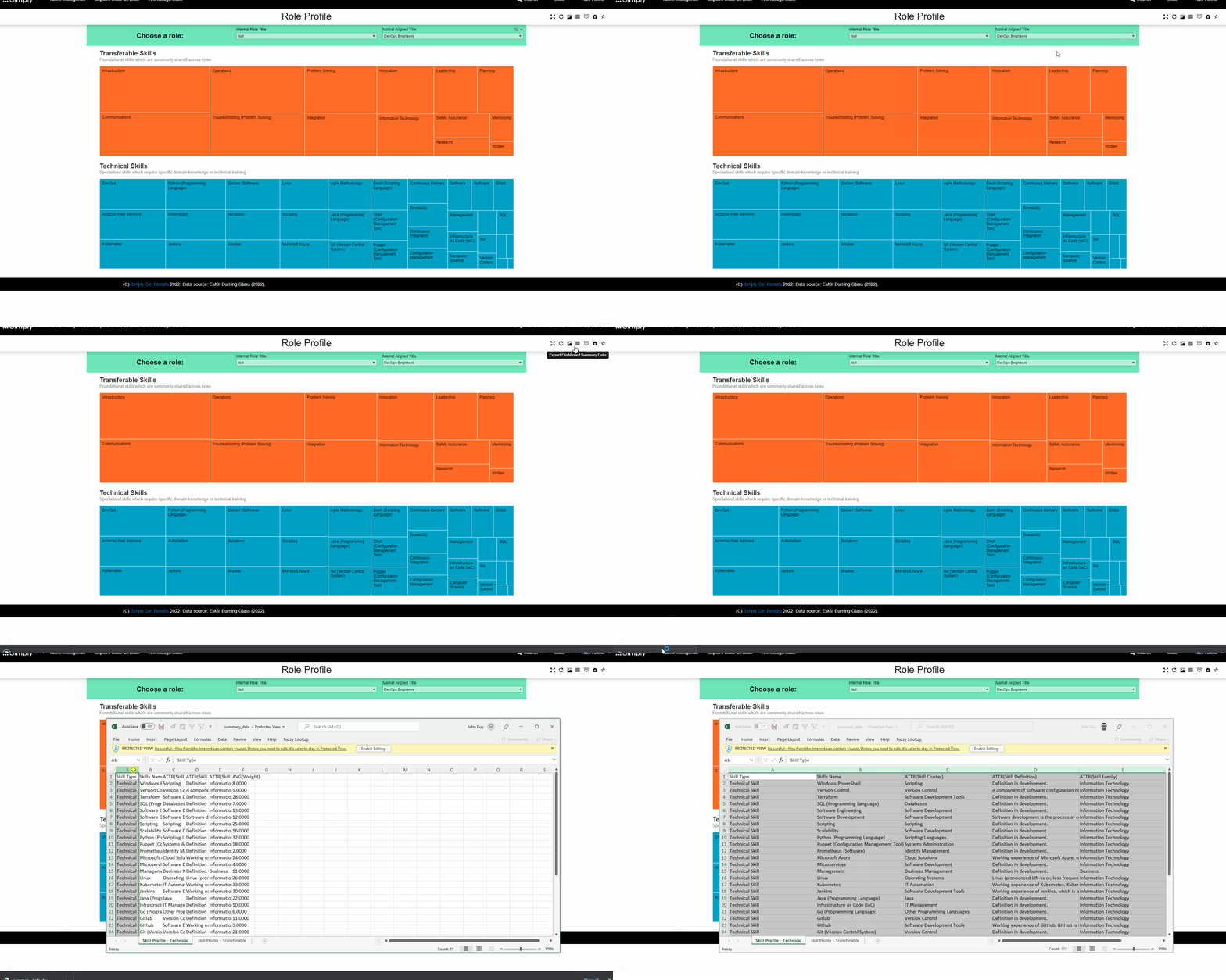
Data can be quickly exported from any view in Simply Navigate by selecting the 'Export Dashboard Summary Data' option from the tools menu.
This will download a spreadsheet file which contains a tab for each of the main charts shown on the view you are using. The file will be stored in the location your web browser normally stores downloaded files, which is typically the 'Downloads' folder.
The below video shows you how to create an export: