There are several ways to search for skills within Simply Navigate. This article covers the use case of how to find a skill and related information using the Skill Framework view.
The Skill Framework view is structured into three columns, showing Skill Family, Skill Cluster and Skill. In the top right of the view you will see the 'Search Skill Framework' control, which performs a free text search across the Skill Family, Skill Cluster and Skill fields.
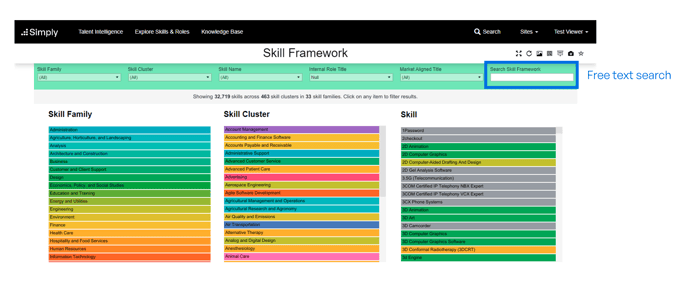
When entering a term into the 'Search Skill Framework' search box, any skills that contain that term, or are in a skill family or skill cluster that contain that term are displayed. This allows you to perform powerful searches, especially when combined with the pre-built filters in the green filter bar.
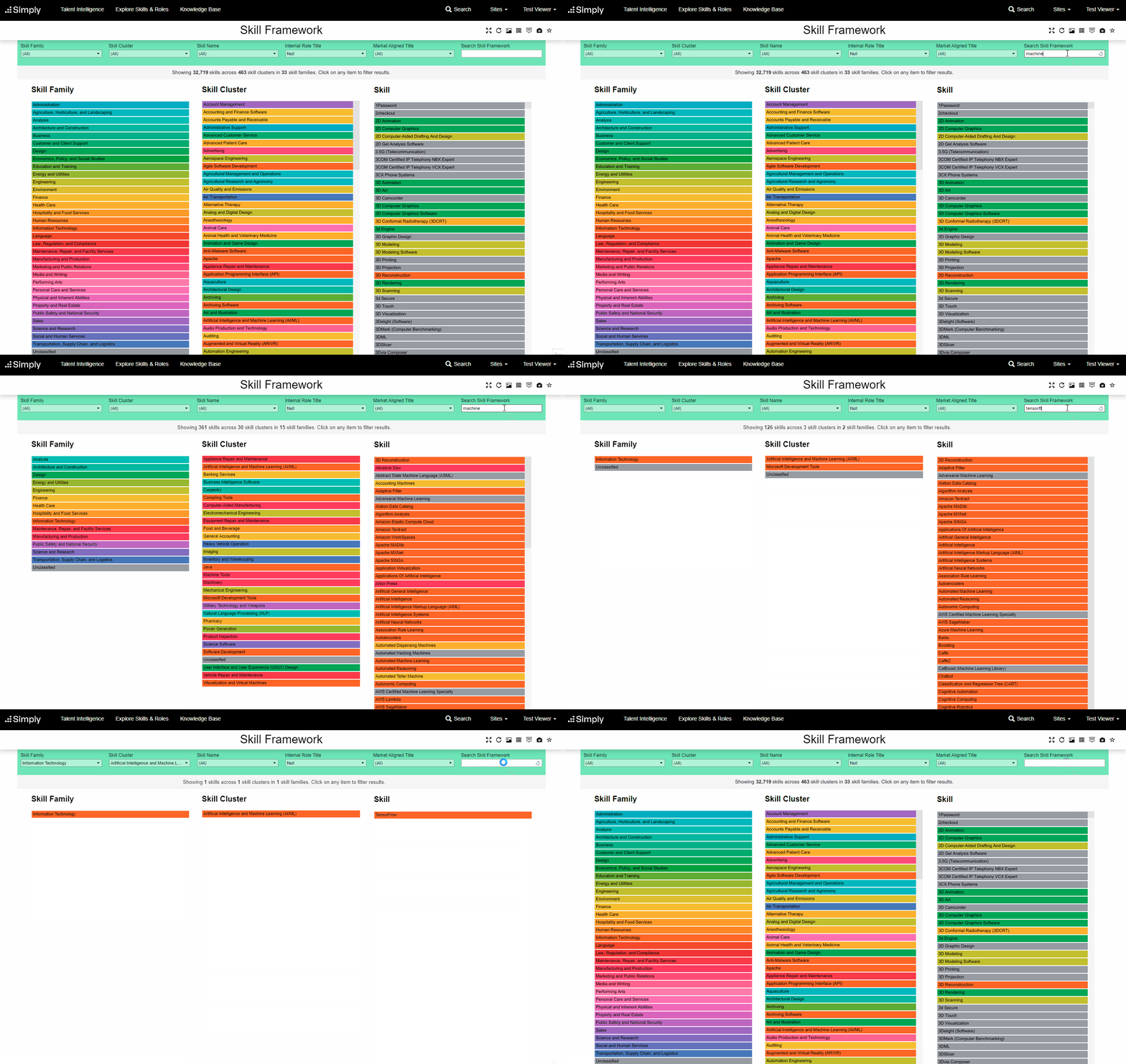
For example, in the below video we see how the field can be used to search:
- 'Machine' - which shows results across multiple areas where 'Machine' is part of the skill name, cluster or family.
- 'Machine learn' - which shows results across multiple areas where 'Machine learn' is part of the skill name, cluster or family
- 'TensforFlow' - individual skills can be searched, even if you don't know the exact spelling or name. Entering the first few letters will return a smaller list of results.
To reset back to the complete list, remove the search term from the 'Search Skill Framework' box, and all results will be displayed. You can also click the 'Reset Filters' ( ) control to remove the search.